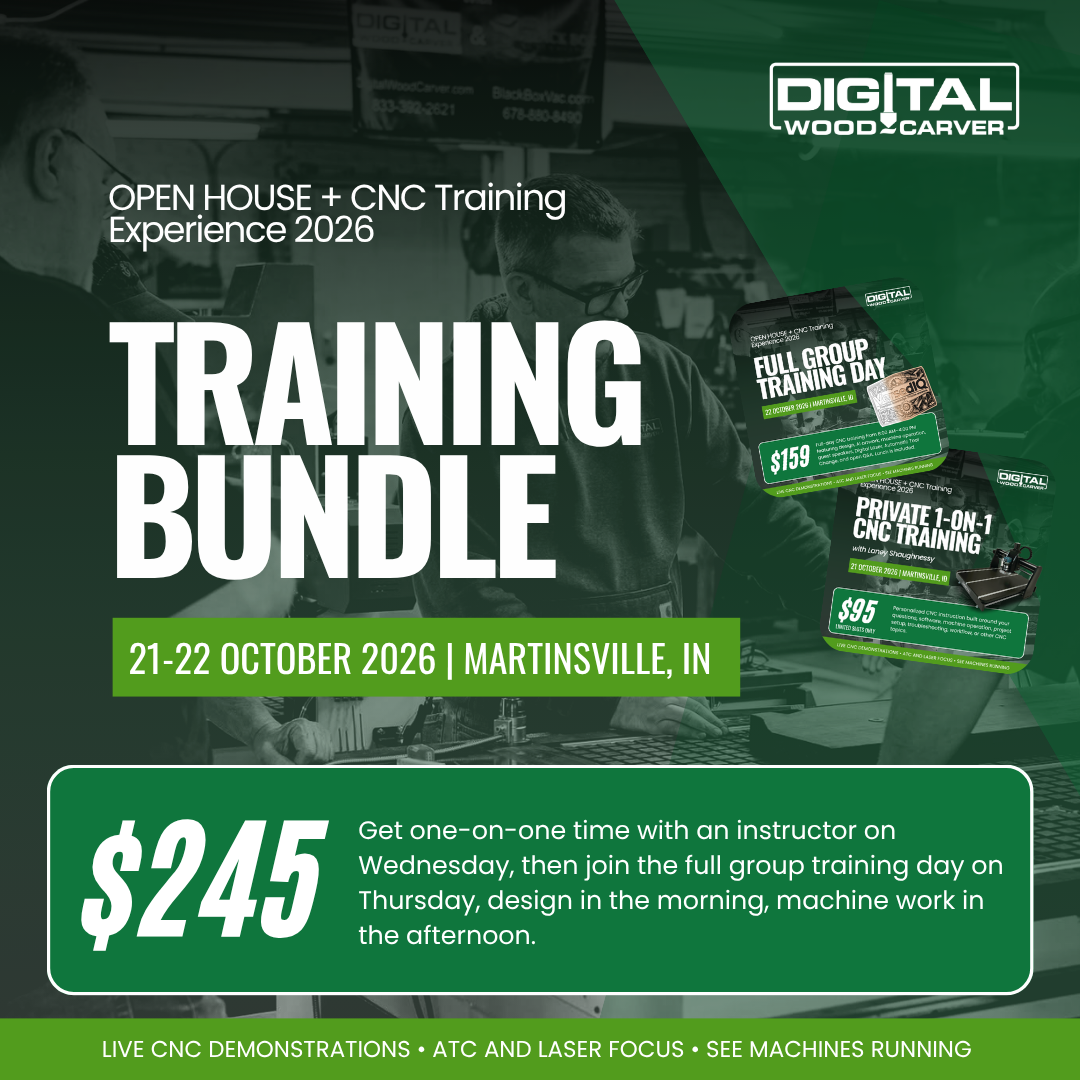
DWC Fall Open House + CNC Training Experience (October 21–24, 2026)
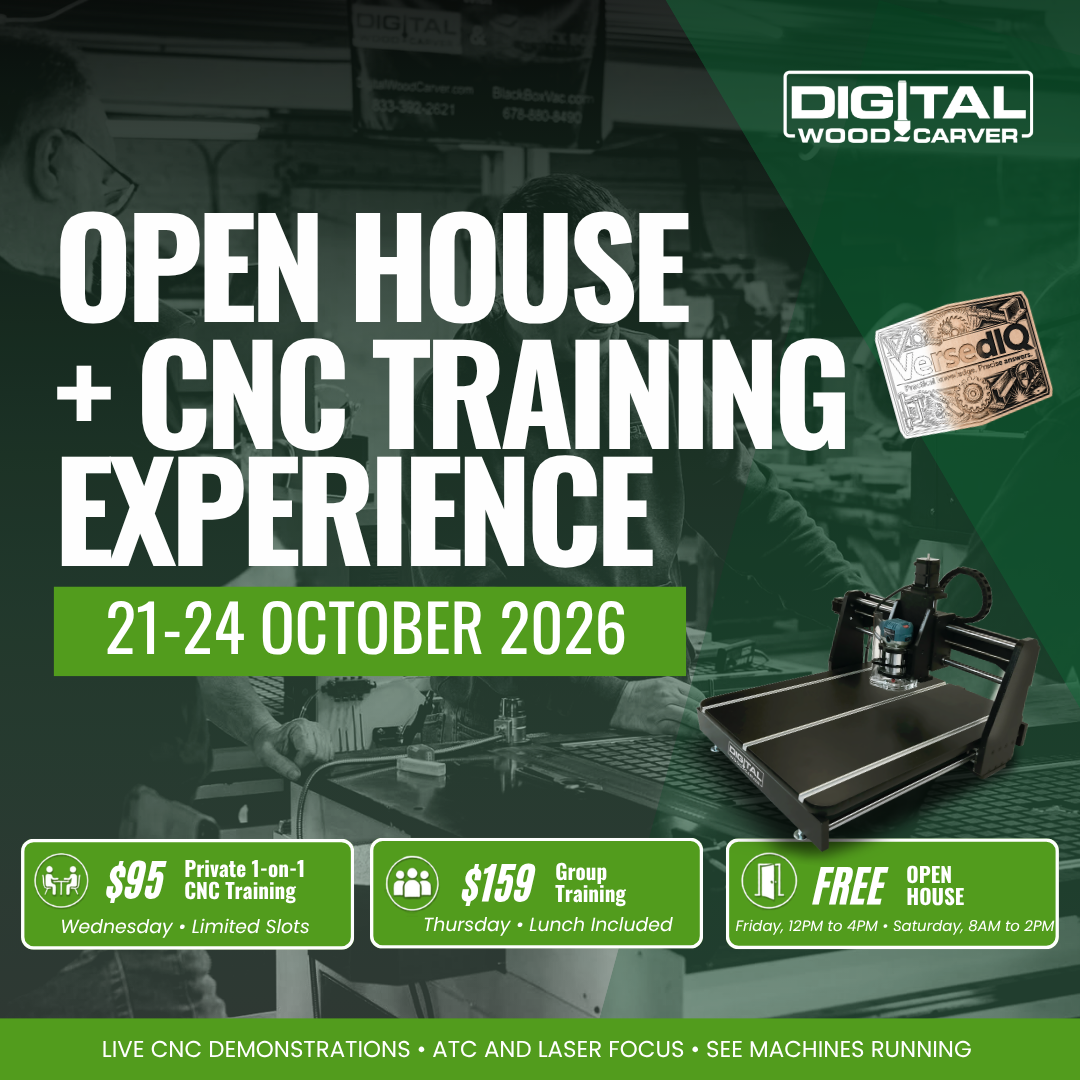
Join us at Digital Wood Carver for two focused days of CNC training followed by two days of our FREE Fall Open House.
On Wednesday, October 21, we will offer a limited number of one-on-one CNC training sessions. Then on Thursday, October 22, we move into a full-day group training experience covering CNC design, Vectric workflows, AI artwork for CNC and laser, machine operation, Automatic Tool Change, guest speakers, and more.
On Friday, October 23 and Saturday, October 24, the doors open for our FREE Open House, where visitors can see Digital Wood Carver machines operating, watch live demonstrations, ask questions, meet the team, and learn more about CNC, ATC, and Digital Laser capabilities.
Whether you want to sharpen your Vectric skills, explore AI-generated artwork, or get more confident running your machine and ATC, this event is built to help you understand the full process, from design to finished project.
Event at a Glance
Wednesday, Oct 21 — One-on-One Training — $95 (limited)
Thursday, Oct 22 — Full Group Training Day — $159 (includes lunch)
Friday, Oct 23 — FREE Open House, 12–4 PM
Saturday, Oct 24 — FREE Open House, 8 AM–2 PM
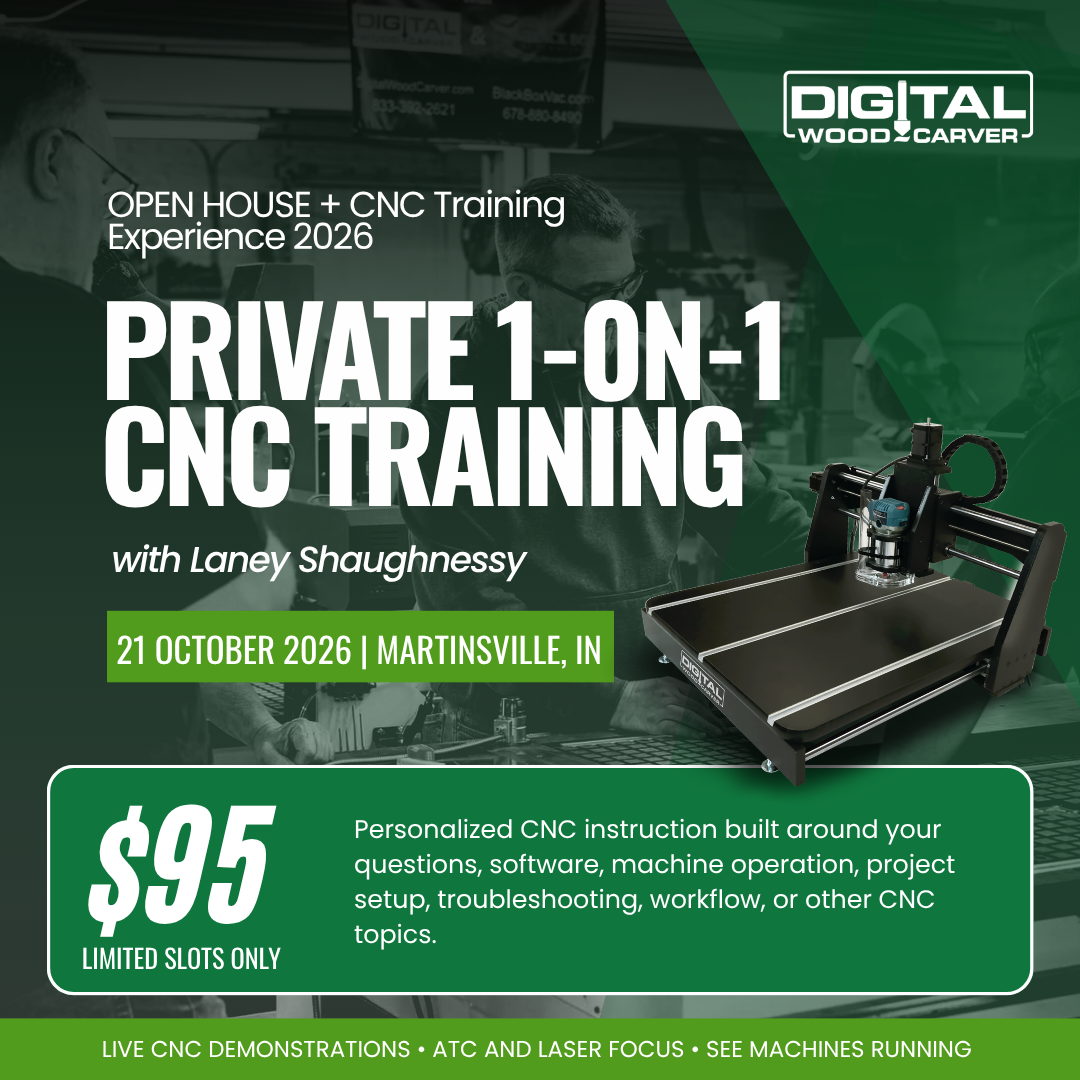
Wednesday, October 21
One-on-One CNC Training
Wednesday is reserved for focused individual training.
These sessions give you the opportunity to work directly with an instructor on the CNC topics that matter most to you. Rather than following a fixed group curriculum, the session can be tailored around your questions, workflow, software, machine operation, project setup, troubleshooting, or other areas where you would benefit from individual instruction.
Limited Slots Available
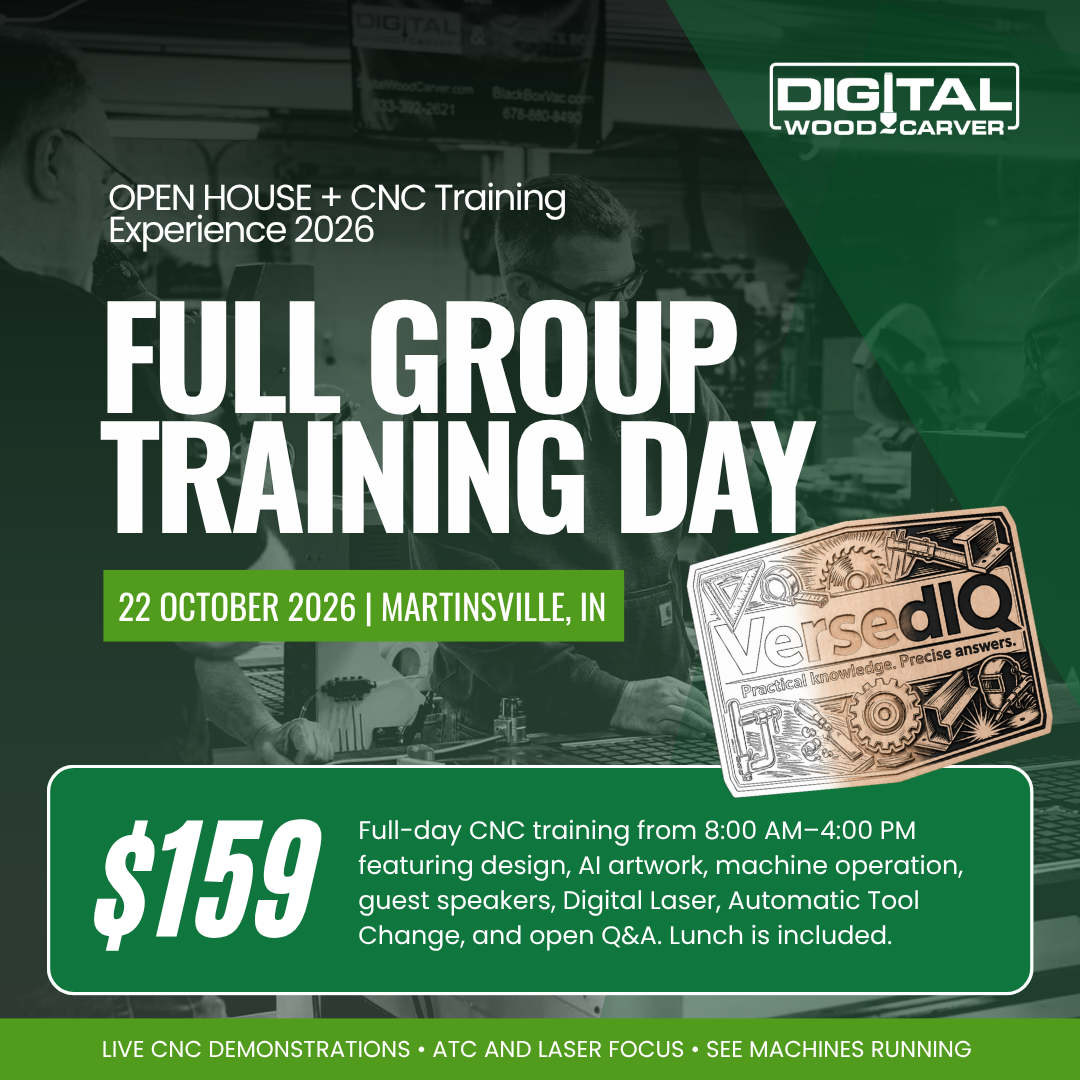
Thursday, October 22
Full CNC Training Day
8:00 AM–4:00 PM (Lunch Included)
Thursday is our full-day group training experience.
We will work through practical CNC workflows and real-world examples designed to help you understand not only how something is done, but why certain design and machining decisions are made.
TOPICS INCLUDED:
CNC Design 101
Follow a CNC sign project from concept to finished design.
We will work through:
Project planning and layout
Preparing artwork for CNC
Designing for V-carving
Vector validation and cleanup
Toolpath strategy
Previewing the finished carve
Comparing raw and finished results
The session is built around an actual project so you can see how the entire design process comes together.
CNC Design 102
Take your Vectric design skills further.
Topics will include:
Intermediate vector-editing techniques
Offsets, trimming, welding, and combining vectors
Custom borders and layered geometry
Text on curves
Stretching and reshaping text
Skewing and arcing typography
Envelope distortion
Preparing imported artwork
Simplifying designs for CNC
Designing with toolpaths and machining efficiency in mind
The goal is to move beyond simply placing text and shapes on the screen and begin treating the entire project as a designed CNC product.
AI Artwork for CNC Carving & Laser Engraving
AI has opened an entirely new way to create custom CNC artwork.
This session will show how to create artwork specifically for manufacturing rather than simply asking AI to make a good-looking picture.
We will discuss:
Writing clear, useful prompts
Line-art, woodcut, vintage, and engraving styles
Controlling detail and contrast
Designing for V-carving
Designing for laser engraving
Grayscale artwork for relief carving
Evaluating AI-generated artwork
Refining and correcting results
Preparing generated artwork for the CNC workflow
CNC Operation Basics
After spending the morning on design, we move from the computer to the machine.
This session covers the practical steps involved in preparing and running a CNC project, including:
Preparing the machine and work area
Material setup and workholding
Installing the correct cutting tool
Homing and positioning
Establishing X, Y, and Z zero
Loading and reviewing the CNC program
Performing final setup and clearance checks
Starting and monitoring the job safely
General Automatic Tool Change Operations
Learn how an Automatic Tool Changer fits into the CNC workflow and how to properly prepare a multi-tool job.
Topics include:
What an ATC system does
Tool holders and collets
Tool numbering
Preparing tools for the rack or carousel
Creating multi-tool jobs in Vectric
Tool-height measurement
Pneumatic system basics
Routine ATC maintenance
Minor operator-level troubleshooting
Guest Speakers
Thursday will also include guest-speaker sessions throughout the day.
Mike Bowlby — Bowlbywood, Indiana
A Digital Wood Carver customer's perspective and real-world CNC experience.
Terry Tichenor & Richard
A discussion on the Digital Laser and laser engraving.
Additional discussion and audience Q&A will be incorporated throughout the day.
Lunch + Open Q&A
Lunch is included with the Thursday training ticket.
During lunch, we will keep things informal and open the floor for questions. Bring your CNC, design, software, machine-operation, or project questions and we will discuss them while we eat.
Friday, October 23
FREE Open House — 12:00 PM–4:00 PM
Come see Digital Wood Carver machines operating, watch demonstrations, meet the team, and ask questions.
The Open House will include general CNC demonstrations with additional focus on Automatic Tool Change and Digital Laser capabilities.
Saturday, October 24
FREE Open House — 8:00 AM–2:00 PM
Saturday continues the Open House with more live demonstrations and opportunities to see the equipment in action.
If you are considering a CNC, already own one, or simply want to see what today's Digital Wood Carver systems can do, this is a great opportunity to visit the shop and spend some time around the machines.
Who Should Attend?
This event is designed for a wide range of CNC users.
You do not need to be brand new to CNC, and you do not need to be an advanced user.
If you want to improve your design skills, understand your CNC workflow better, learn new techniques, explore AI and laser artwork, or become more comfortable with ATC and machine operation, the October Training Experience was built for you.
Reserve Your Training Spot
Wednesday one-on-one availability is limited, and seating for Thursday's group training event will also be limited.
Reserve your training ticket and join us October 21–24 at Digital Wood Carver.
Join us at Digital Wood Carver for two focused days of CNC training followed by two days of our FREE Fall Open House.
On Wednesday, October 21, we will offer a limited number of one-on-one CNC training sessions. Then on Thursday, October 22, we move into a full-day group training experience covering CNC design, Vectric workflows, AI artwork for CNC and laser, machine operation, Automatic Tool Change, guest speakers, and more.
On Friday, October 23 and Saturday, October 24, the doors open for our FREE Open House, where visitors can see Digital Wood Carver machines operating, watch live demonstrations, ask questions, meet the team, and learn more about CNC, ATC, and Digital Laser capabilities.
Whether you want to sharpen your Vectric skills, explore AI-generated artwork, or get more confident running your machine and ATC, this event is built to help you understand the full process, from design to finished project.
Event at a Glance
Wednesday, Oct 21 — One-on-One Training — $95 (limited)
Thursday, Oct 22 — Full Group Training Day — $159 (includes lunch)
Friday, Oct 23 — FREE Open House, 12–4 PM
Saturday, Oct 24 — FREE Open House, 8 AM–2 PM
Wednesday, October 21
One-on-One CNC Training
Wednesday is reserved for focused individual training.
These sessions give you the opportunity to work directly with an instructor on the CNC topics that matter most to you. Rather than following a fixed group curriculum, the session can be tailored around your questions, workflow, software, machine operation, project setup, troubleshooting, or other areas where you would benefit from individual instruction.
Limited Slots Available
Thursday, October 22
Full CNC Training Day
8:00 AM–4:00 PM (Lunch Included)
Thursday is our full-day group training experience.
We will work through practical CNC workflows and real-world examples designed to help you understand not only how something is done, but why certain design and machining decisions are made.
TOPICS INCLUDED:
CNC Design 101
Follow a CNC sign project from concept to finished design.
We will work through:
Project planning and layout
Preparing artwork for CNC
Designing for V-carving
Vector validation and cleanup
Toolpath strategy
Previewing the finished carve
Comparing raw and finished results
The session is built around an actual project so you can see how the entire design process comes together.
CNC Design 102
Take your Vectric design skills further.
Topics will include:
Intermediate vector-editing techniques
Offsets, trimming, welding, and combining vectors
Custom borders and layered geometry
Text on curves
Stretching and reshaping text
Skewing and arcing typography
Envelope distortion
Preparing imported artwork
Simplifying designs for CNC
Designing with toolpaths and machining efficiency in mind
The goal is to move beyond simply placing text and shapes on the screen and begin treating the entire project as a designed CNC product.
AI Artwork for CNC Carving & Laser Engraving
AI has opened an entirely new way to create custom CNC artwork.
This session will show how to create artwork specifically for manufacturing rather than simply asking AI to make a good-looking picture.
We will discuss:
Writing clear, useful prompts
Line-art, woodcut, vintage, and engraving styles
Controlling detail and contrast
Designing for V-carving
Designing for laser engraving
Grayscale artwork for relief carving
Evaluating AI-generated artwork
Refining and correcting results
Preparing generated artwork for the CNC workflow
CNC Operation Basics
After spending the morning on design, we move from the computer to the machine.
This session covers the practical steps involved in preparing and running a CNC project, including:
Preparing the machine and work area
Material setup and workholding
Installing the correct cutting tool
Homing and positioning
Establishing X, Y, and Z zero
Loading and reviewing the CNC program
Performing final setup and clearance checks
Starting and monitoring the job safely
General Automatic Tool Change Operations
Learn how an Automatic Tool Changer fits into the CNC workflow and how to properly prepare a multi-tool job.
Topics include:
What an ATC system does
Tool holders and collets
Tool numbering
Preparing tools for the rack or carousel
Creating multi-tool jobs in Vectric
Tool-height measurement
Pneumatic system basics
Routine ATC maintenance
Minor operator-level troubleshooting
Guest Speakers
Thursday will also include guest-speaker sessions throughout the day.
Mike Bowlby — Bowlbywood, Indiana
A Digital Wood Carver customer's perspective and real-world CNC experience.
Terry Tichenor & Richard
A discussion on the Digital Laser and laser engraving.
Additional discussion and audience Q&A will be incorporated throughout the day.
Lunch + Open Q&A
Lunch is included with the Thursday training ticket.
During lunch, we will keep things informal and open the floor for questions. Bring your CNC, design, software, machine-operation, or project questions and we will discuss them while we eat.
Friday, October 23
FREE Open House — 12:00 PM–4:00 PM
Come see Digital Wood Carver machines operating, watch demonstrations, meet the team, and ask questions.
The Open House will include general CNC demonstrations with additional focus on Automatic Tool Change and Digital Laser capabilities.
Saturday, October 24
FREE Open House — 8:00 AM–2:00 PM
Saturday continues the Open House with more live demonstrations and opportunities to see the equipment in action.
If you are considering a CNC, already own one, or simply want to see what today's Digital Wood Carver systems can do, this is a great opportunity to visit the shop and spend some time around the machines.
Who Should Attend?
This event is designed for a wide range of CNC users.
You do not need to be brand new to CNC, and you do not need to be an advanced user.
If you want to improve your design skills, understand your CNC workflow better, learn new techniques, explore AI and laser artwork, or become more comfortable with ATC and machine operation, the October Training Experience was built for you.
Reserve Your Training Spot
Wednesday one-on-one availability is limited, and seating for Thursday's group training event will also be limited.
Reserve your training ticket and join us October 21–24 at Digital Wood Carver.